Founders and customer teams
Product decisions without a bot in the conversation.
A customer interview can produce valuable signals and a long list of follow-ups. FreeScribe preserves the words visible in captions so you can revisit the conversation later, without capturing audio or video.
- Situation
- Interviews, demos, and discovery calls on Meet, Teams, or Zoom on the web.
- Benefit
- Review the caption text and turn observations into decisions with less dependence on notes taken during the call.
- Output
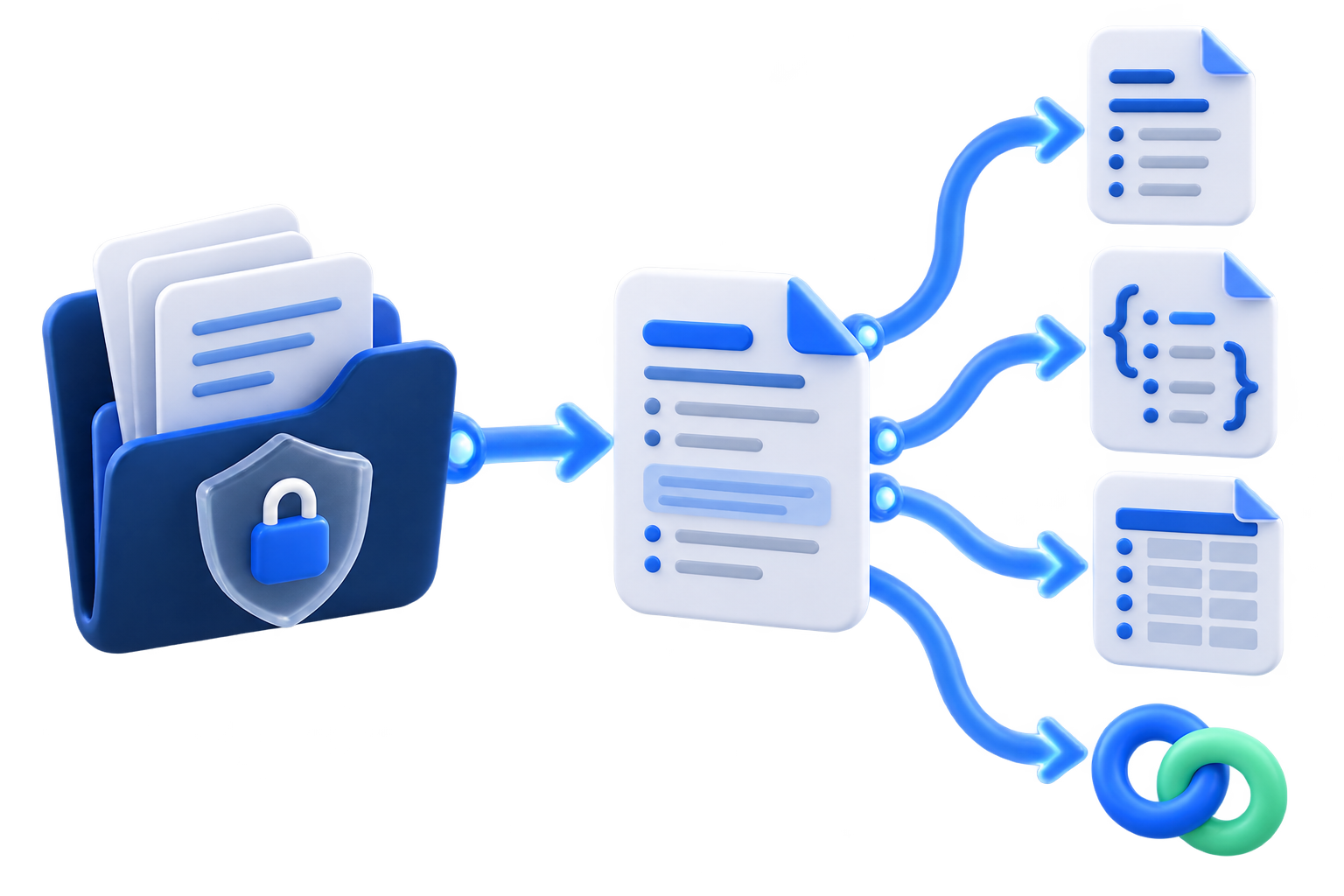
- Markdown for documentation, TXT for quick reading, JSON for structured workflows, or an optional HTTPS webhook.
- Consent
- Tell participants and obtain the required permission before capturing captions and, on Meet, accessible chat.
Add it for your next interview
Operations and small teams
A local history of agreements and next steps.
Recurring meetings produce decisions that get lost between tabs and messages. FreeScribe keeps captions organized in the local Chrome profile and lets you share only the file or delivery you choose.
- Situation
- Weekly meetings, supplier check-ins, and handoffs across lean teams.
- Benefit
- Revisit responsibilities and decisions after the call without creating a team account or sending the meeting to FreeScribe servers.
- Output
- TXT or Markdown for shareable notes, JSON for automation, and an optional HTTPS webhook for a system chosen by your team.
- Consent
- Confirm participant consent before capture. The extension records accessible captions and only Google Meet's accessible chat.
Add it for team check-ins
Students and researchers
Caption-based review for classes, interviews, and supervision.
When listening and participating matter, trying to write everything down gets in the way. FreeScribe turns available captions into local material for review, organization, and responsible citation.
- Situation
- Online classes, study groups, research interviews, and supervision meetings on supported platforms.
- Benefit
- Review terms, arguments, and guidance without relying on an audiovisual recording or an AI-generated summary.
- Output
- TXT for reading, Markdown for notes, JSON for your own analysis, or an optional HTTPS webhook for an authorized tool.
- Consent
- Ask for permission before recording the conversation and follow institutional and research rules. Caption text can contain errors and should be checked.
Add it for focused study
Consultants and independent professionals
Clear deliverables without another workspace.
Client calls mix diagnosis, decisions, and tasks. FreeScribe creates a portable record from captions to support the meeting notes, report, or follow-up already in your process.
- Situation
- Discovery sessions, remote workshops, project reviews, and client follow-ups.
- Benefit
- Return to important details and prepare deliverables from a history that stays in your browser until you choose to export it.
- Output
- Markdown for meeting notes, TXT for archiving, JSON for integration, or an optional HTTPS webhook configured by you.
- Consent
- Explain how the transcript will be used and obtain applicable consent before capture. Protect exported files and connected destinations as well.
Add it for client work