Founders and customer teams
Record customer conversations and preserve the caption text for later review.

A local-first Chrome extension
FreeScribe captures accessible captions from Google Meet, Microsoft Teams, and Zoom on the web. No bot in the call, no account, and no meeting content sent to a FreeScribe server.
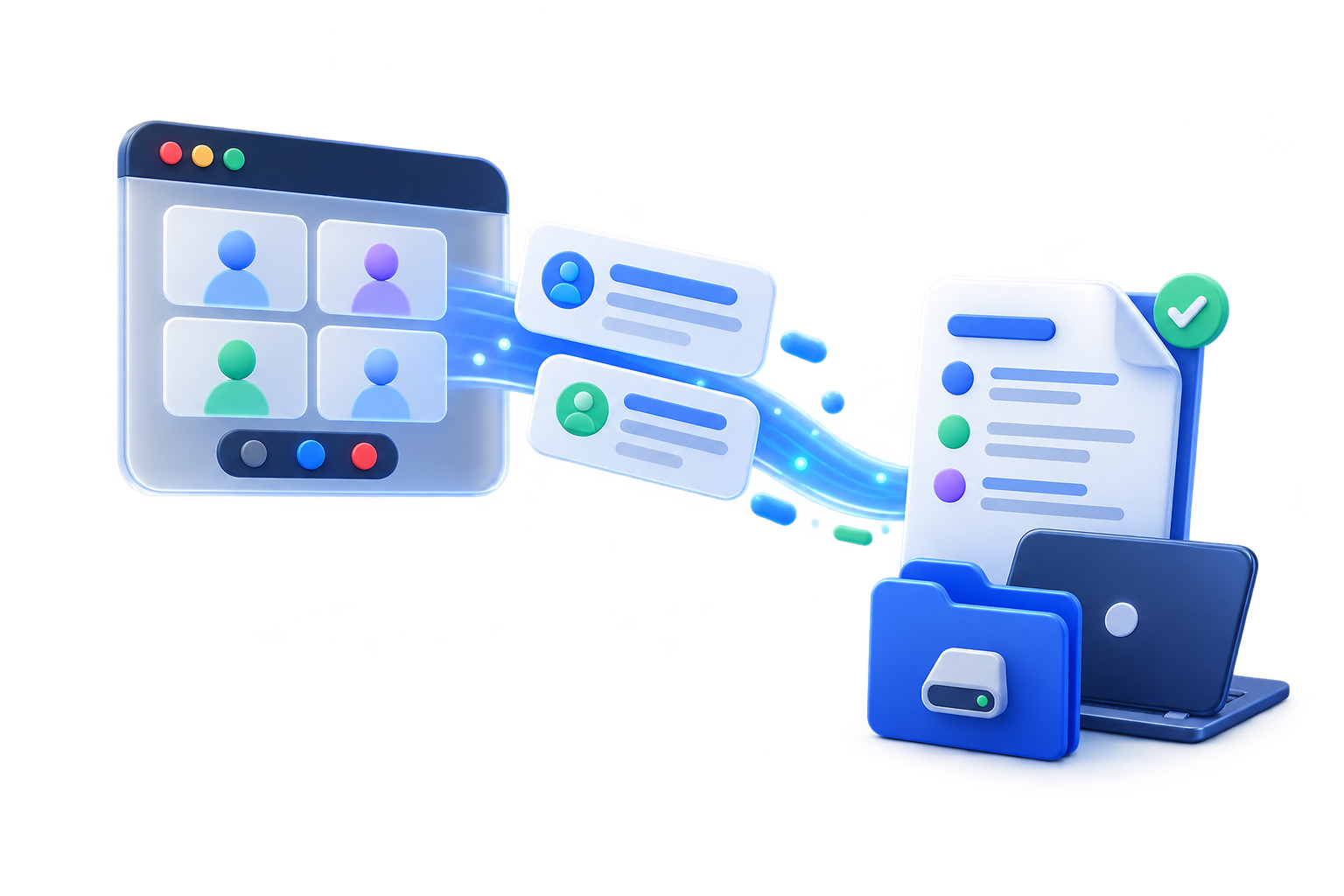
Works with accessible captions from leading meeting platforms
How it works
You start the capture and stay in your meeting. FreeScribe works with text the platform already makes accessible in your browser.
Read the in-product notice, allow capture, and turn on meeting captions. Nothing is captured before you consent.
The extension records accessible captions, participant names, and meeting metadata. On Google Meet, it can also record accessible chat.
Browse your local history and download the transcript as TXT, Markdown, or JSON. Exported files are not encrypted.
Use cases
Keep context, decisions, and the text displayed in captions, then continue working in tools you already use.
Record customer conversations and preserve the caption text for later review.
Document alignment, decisions, and next steps in portable formats or through an optional webhook.
Turn online classes, interviews, and supervision sessions into local reference material.
Keep a private record without requiring the client to join another platform.

Local-first privacy
Your history stays in an AES-256-GCM vault unlocked within the same Chrome profile. A person or process controlling an unlocked device or profile can still access it.
We do not operate a cloud service that receives, analyzes, or stores your meeting content.
Exports are unencrypted local files. HTTPS webhooks are optional and send data only when you configure them.
Frequently asked questions
No. The extension works with accessible captions displayed on the meeting page.
No. FreeScribe runs in your Chrome browser and does not appear as a participant.
In your Chrome profile's local storage, inside an encrypted vault. FreeScribe does not operate a server that receives your meetings.
Only accessible Google Meet chat. On Microsoft Teams and Zoom web, FreeScribe captures accessible captions.
No. TXT, Markdown, and JSON exports are downloaded as unencrypted local files. You decide where to store and how to protect each file.
Ready for your next meeting
Install FreeScribe and turn accessible captions into records that stay under your control.